Route Zoom to AirPods while keeping Spotify on speakers
The classic split-output scenario macOS makes weirdly hard. Here's why the built-in Multi-Output Device approach falls short, and a setup that actually works.
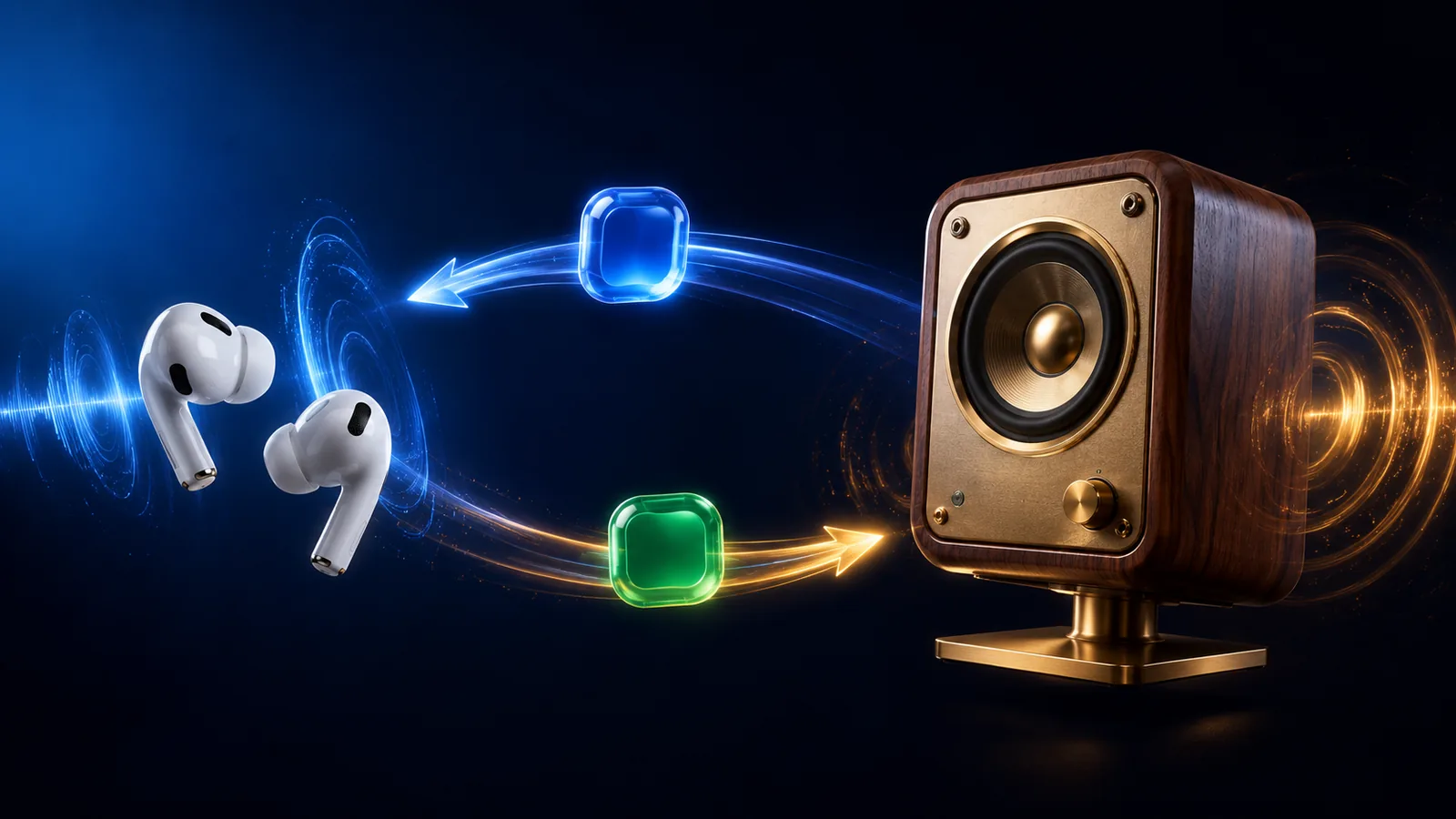
You like working with music on speakers. Calls feel more natural in AirPods. macOS makes this annoyingly hard. Here's the setup that works.
Why Multi-Output Device doesn't solve this
If you've Googled this before, you've found Audio MIDI Setup → Create Multi-Output Device. That sends the same audio to multiple devices simultaneously. It doesn't split which audio goes where. Spotify and Zoom both end up on both AirPods and speakers. Worse, output level becomes uncontrollable because Multi-Output devices don't expose a volume slider.
What you actually want is per-app device routing — each app explicitly assigned to its own output.
The macOS-only way (limited)
Open System Settings → Sound → Output. Then with Zoom running, open System Settings → Privacy & Security → Sound (or in some versions of macOS, the per-app audio settings inside the app's own preferences). You can set Zoom's output device individually.
Catches: the setting doesn't always stick across reboots, Zoom occasionally resets it after updates, and you have to repeat this dance for every app.
The mactooloud way
Open mactooloud's menu bar mixer. Each app row has a small device picker next to its slider. Set:
- Zoom → AirPods
- Meet → AirPods
- FaceTime → AirPods
- Spotify → Desk speakers
- Apple Music → Desk speakers
- Chrome → Desk speakers (or AirPods, depending on your call habits)
When AirPods disconnect (because they ran out of battery, you walked away, etc.), mactooloud falls back to your default output for those apps so calls don't suddenly play out of speakers in front of your whole open office.
Variations
Gaming setup
Discord voice to AirPods, game audio to speakers. mactooloud handles this identically: Discord → AirPods, Game → speakers. See our Gamers guide for the full setup.
Streaming setup
Game audio to OBS, music to speakers, voice chat to in-ears. Three outputs, three apps. Once configured, it survives software updates and device reconnects.
Why does macOS not just do this?
Per-app device assignment has been technically possible in macOS for years, but Apple has never exposed it as a first-class UI surface. The current per-process audio APIs added in Sonoma make it possible for third-party tools to do this cleanly without virtual drivers — which is why a new generation of audio utilities (including mactooloud) is finally usable.
Read next
Why macOS still doesn't ship a per-app volume mixer in 2026
Windows has had one since 2006. Linux distros come with one. macOS still ships with a single volume slider. Here's the long, uncharitable explanation.
Whisper Mode: the one-keypress way to keep your Mac quiet
Cafes, libraries, late-night sessions. One hotkey caps every app at a polite level — except the call you don't want to miss.

Looking for a SoundSource alternative? How to choose in 2026
SoundSource is the heavyweight per-app audio tool for macOS. It's also $50 and built for audio engineers. Here are the alternatives — and honest advice on when SoundSource is still right.
Give every app its own slider.
Try mactooloud free for 7 days. $4.99/mo, $39/yr, or $90 lifetime after that.