Auto-duck explained: when your Mac should turn the music down
Auto-ducking is the trick where music gently lowers itself when someone starts talking. macOS doesn't do it natively. Here's how it works and how to set it up.
You're in flow with music on. A Zoom call rings. You scramble for the volume keys, miss the first sentence, accidentally mute yourself instead. Five seconds of awkward apology later, you're back.
Auto-ducking is the fix. It's the same trick radio DJs and podcast editors have used for decades: when a voice starts, the music ducks underneath it, then comes back up when the voice stops.
How ducking actually works
Ducking has three settings worth knowing:
- Threshold — how loud the trigger source has to be before ducking kicks in. Set too low and ambient room noise triggers it. Set too high and quiet voices don't.
- Ducking amount — how much the music drops. 20% is barely audible; 80% is almost silent. Most people want around 70%.
- Release time — how long after the voice stops before music returns. Too fast and music keeps jumping up between sentences. Too slow and you sit in awkward silence after the call ends.
Why macOS doesn't do this natively
Apple's audio APIs are designed around individual apps controlling their own playback. There's no system-level component that listens to one app's audio level and dynamically attenuates another. You need a separate layer sitting above the audio stack to do it.
Setting up auto-duck in mactooloud
In mactooloud you pick the trigger apps (typically Zoom, Meet, FaceTime, Discord, Slack huddles) and the target apps (Spotify, Apple Music, YouTube). When any trigger app starts producing audio above the threshold, target apps duck to your chosen level. Release is configurable in 0.5-second steps.
Tuning for your room
If you work from a noisy room, raise the trigger threshold so coffee-grinder noise from your kitchen doesn't keep ducking your music. If you work from a quiet office, lower it so the first "hello" of a call triggers ducking immediately.
And: turn off auto-duck for calls you want to mix with music — like when you're listening to a low-stakes podcast with a friend on Discord. mactooloud lets you set per-trigger rules so Zoom always ducks but Discord doesn't.
Read next
Whisper Mode: the one-keypress way to keep your Mac quiet
Cafes, libraries, late-night sessions. One hotkey caps every app at a polite level — except the call you don't want to miss.
Looking for a SoundSource alternative? How to choose in 2026
SoundSource is the heavyweight per-app audio tool for macOS. It's also $50 and built for audio engineers. Here are the alternatives — and honest advice on when SoundSource is still right.
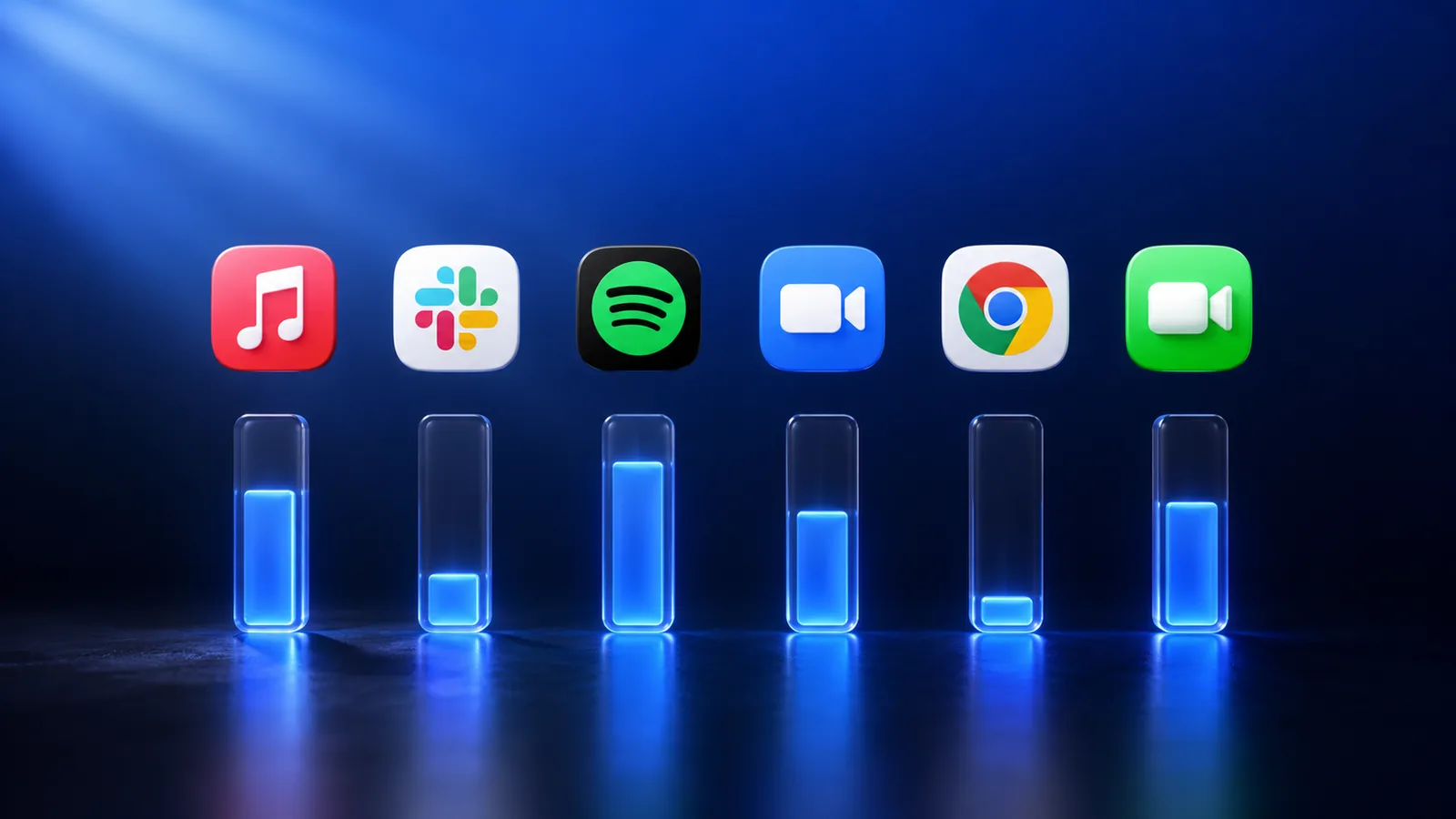
Per-app volume on macOS: the complete guide (2026)
macOS still ships with one master volume slider in 2026. Here are the three ways to get a real per-app mixer — and which one is right for you.
Give every app its own slider.
Try mactooloud free for 7 days. $4.99/mo, $39/yr, or $90 lifetime after that.