Per-app volume on macOS: the complete guide (2026)
macOS still ships with one master volume slider in 2026. Here are the three ways to get a real per-app mixer — and which one is right for you.
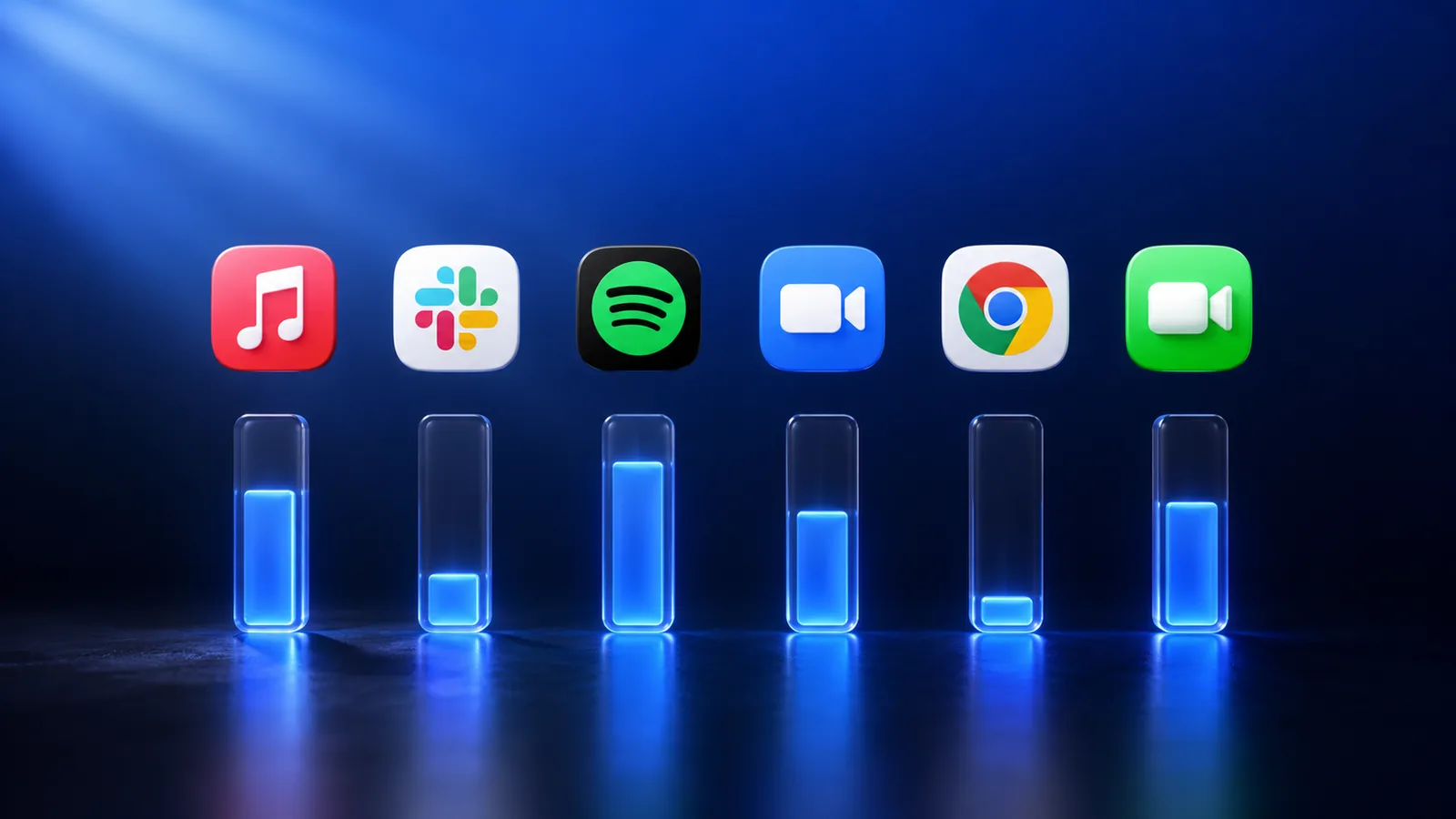
Windows has had a per-app volume mixer since Vista shipped in 2006. macOS, twenty years on, still ships with one global volume slider for the entire system. Crank Spotify up and your Slack pings blow your ears out. Turn Slack down in the app and the next call sounds like a whisper.
There are three real ways to fix this on macOS in 2026. Here's how each one works, what it costs, and which one is actually right for you.
Option 1: The built-in audio settings (limited)
macOS lets you set the output device per app under System Settings → Sound → Output. So you can send Music to AirPods and Zoom to your speakers. But there's no slider for individual app volume — that's still global. The setting also doesn't survive a logout in some cases, and it doesn't expose any of this to keyboard shortcuts.
Verdict: useful for one-time routing. Not a mixer.
Option 2: Audio routing utilities (SoundSource, BackgroundMusic, Loopback)
Three popular tools dominate this space:
- Rogue Amoeba SoundSource — paid (~$50, perpetual). Per-app volume, EQ, routing. Mature, powerful, but the UI was designed for audio engineers and shows it.
- BackgroundMusic — free, open source. Per-app volume only. Hasn't been updated for newer macOS releases in a while and is fiddly on Apple Silicon.
- Rogue Amoeba Loopback — heavy-duty virtual audio cables ($99). Overkill unless you're producing podcasts or doing complex routing for streaming.
All three work. They were also all designed before Sonoma's per-app audio API hooks existed, so they install kernel extensions or virtual drivers and the install process can scare people.
Option 3: mactooloud
mactooloud is the option we built. One slider per app, in your menu bar. Auto-duck music when calls start. Mystery Sound Finder to locate which tab is making noise. No kernel extension — uses the modern audio API. $4.99/month, $39/year, or $90 once, with a 7-day trial.
We won't pretend it's the right choice for everyone. If you're a podcast producer routing six virtual cables between Logic and OBS, get Loopback. If you just want every app to have its own slider, that's what we built.
Which should you pick?
- You want per-app volume and auto-duck, nothing more: mactooloud.
- You want EQ per app and you're already on the Rogue Amoeba ecosystem: SoundSource.
- You're broke and don't mind janky installs: BackgroundMusic.
- You're a podcast or streaming producer: Loopback (or a combination of Loopback + a mixer).
Why is this still a problem in 2026?
Apple's design philosophy has always been that the Mac "just works" — which historically meant Apple decided what "working" meant. A per-app mixer was deemed too technical for the median user. The kernel extension lockdown in Catalina (2019) then made third-party audio tools harder to ship, which is why the category has thinned out.
macOS Sonoma quietly added per-process audio APIs that make a modern mixer possible without a kernel extension. That's the API mactooloud is built on. Whether Apple ever ships its own mixer is anyone's guess.
Read next

How to find which app is making noise on your Mac
A sound is playing somewhere on your Mac and you have 30 tabs open. Here are three ways to find it — including the one we built into mactooloud.

Looking for a SoundSource alternative? How to choose in 2026
SoundSource is the heavyweight per-app audio tool for macOS. It's also $50 and built for audio engineers. Here are the alternatives — and honest advice on when SoundSource is still right.

Auto-duck explained: when your Mac should turn the music down
Auto-ducking is the trick where music gently lowers itself when someone starts talking. macOS doesn't do it natively. Here's how it works and how to set it up.
Give every app its own slider.
Try mactooloud free for 7 days. $4.99/mo, $39/yr, or $90 lifetime after that.